Free Google Sheets scripts
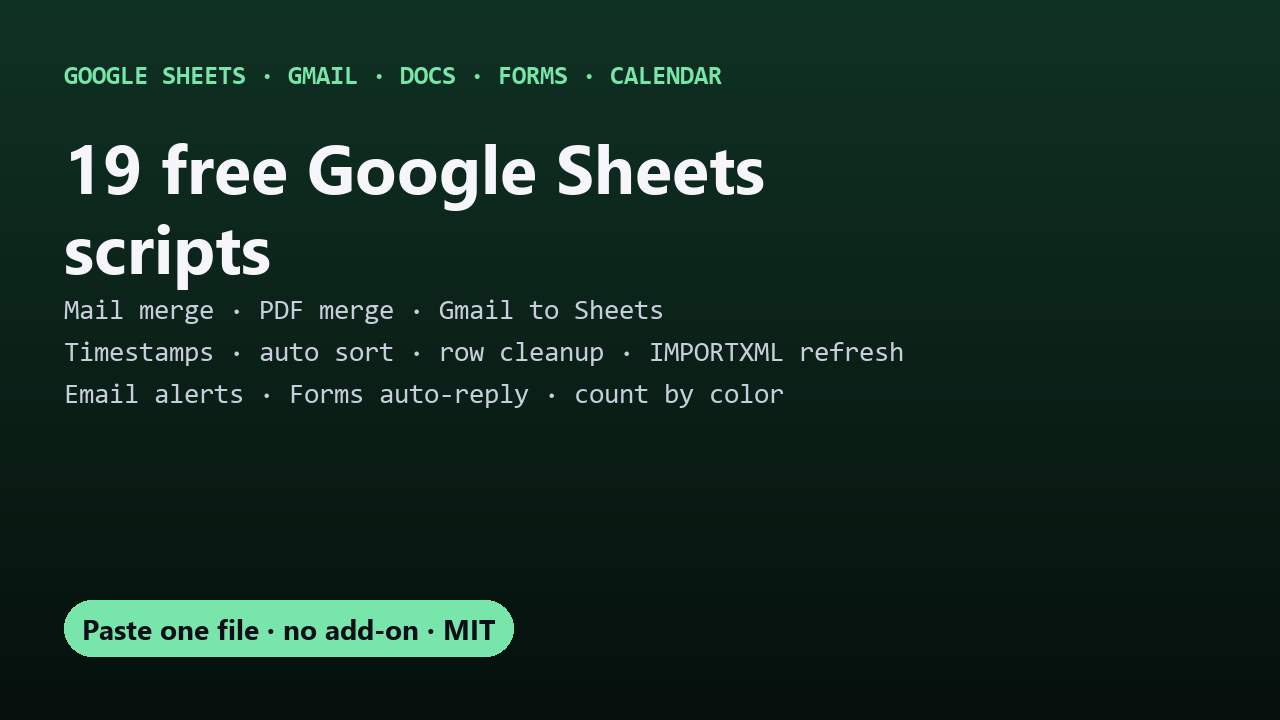
Free, open-source Apps Script tools for Google Sheets, Gmail, Docs, Forms and Calendar. Each one is a single file you paste into Extensions → Apps Script: no add-on to install, no subscription, and your data stays in your Google account. All MIT licensed.
| Script | What it does | Guide |
|---|---|---|
| Sheets Mail Merge | A personalized Gmail to every row, using a Gmail draft as the template. Attachments, inline images, a different file per person, never sends twice. | Mail merge for free · Per-person attachments |
| Sheets Doc Merge | One PDF per row from a Google Docs template (certificates, invoices, letters), optionally emailed. An open-source Autocrat alternative. | PDFs and certificates · Invoices |
| Sheets Deadline Reminders | Emails people every morning about rows due soon. Done/Paid checkbox to stop. | Automatic reminders · Expiration dates |
| Sheets to Calendar | Rows become Google Calendar events and update when you edit them. Hourly sync. | Sheets to Calendar |
| Gmail CSV to Sheets | Imports CSV attachments from matching emails into a sheet every hour. Append or replace. | Import CSV from Gmail |
| Dependent Dropdowns | The second dropdown follows the first on every row, chains to 3+ levels, and clears choices that no longer fit. | Dependent drop-down lists |
| Drive Upload Form | A public page where anyone uploads files into your Drive folder, no Google account needed. Logged in a sheet, with size, type, password and rate-limit guardrails. | Uploads without sign-in |
| Count and Sum by Color | COUNTBYCOLOR and SUMBYCOLOR formulas: count or total cells by fill or text color, with a one-click refresh. |
Count cells by color |
| Drive CSV to Sheets | Drop CSV or Excel files in a Drive folder and they’re imported into your sheet every hour. Append or replace, never twice. | Auto-import from Drive |
| Sheets Edit Tracker | Automatic “created” or “last updated” timestamps when rows are edited, plus an Edit Log of who changed what. | Automatic timestamps |
| Row Cleanup | Move rows to another tab when Status = Done, delete blank or zero rows, archive old rows nightly. Simple rules. | Move or delete rows |
| Time Zone Convert | TZ_CONVERT formula: convert date-times between any time zones, daylight saving handled, whole ranges at once. |
Convert time zones |
| Gmail to Sheets | Copy matching emails into rows hourly and pull out fields like order number and total. Your column names are the setup. | Extract data from Gmail |
| Form Edit Links | Every Google Form response’s edit link in your response sheet, past and future, so answers can be changed later. | Edit form responses |
| Import Refresher | Re-fetch IMPORTXML, IMPORTHTML, IMPORTDATA and IMPORTRANGE every 1 to 60 minutes, even with the sheet closed. | Refresh IMPORTXML |
| Auto Sort | Keep tabs sorted after every edit, by one or more columns, with the header in place. | Sort automatically |
| Sheets Alerts | Email the right person when a cell changes: status becomes Approved, stock drops below 5, a box is ticked. | Email when a cell changes |
| Form Auto-Reply | Your own personalized email to every Google Form respondent, written as a Gmail draft. | Custom confirmation email |
| Form Prefill Links | A pre-filled Google Form link for every row, matched by question title. | Prefill a form from a sheet |
Hit a free-tier limit on an add-on? See free alternatives to paid Google Sheets add-ons.
How every script works
- Open your sheet → Extensions → Apps Script.
- Delete the placeholder code, paste in the script’s
Code.gs, and save. - Reload the sheet and use the new menu.
The first run shows “Google hasn’t verified this app”, because it’s your own unpublished script: Advanced → Go to (your project name) → Allow. Nothing is sent to any outside server.
They work together
- Build per-person links with Form Prefill Links, then send them with Mail Merge (
{{Prefilled Link}}). - Generate invoices with Doc Merge, then chase unpaid ones with Deadline Reminders (tick Paid to stop).
- Email earlier Google Form respondents with Mail Merge directly on the response sheet.
Also by DecodedXR
- Autopilot & Wargame: Claude Code skills for long, unattended sessions.
- Heads-up: desktop notifications for Claude Code on Windows, macOS, Linux and WSL.
Found a bug or want a feature? Open an issue on that script’s repo.